



Xiaomi TV A Pro 2026 55 Inch
VAT included.
In stock
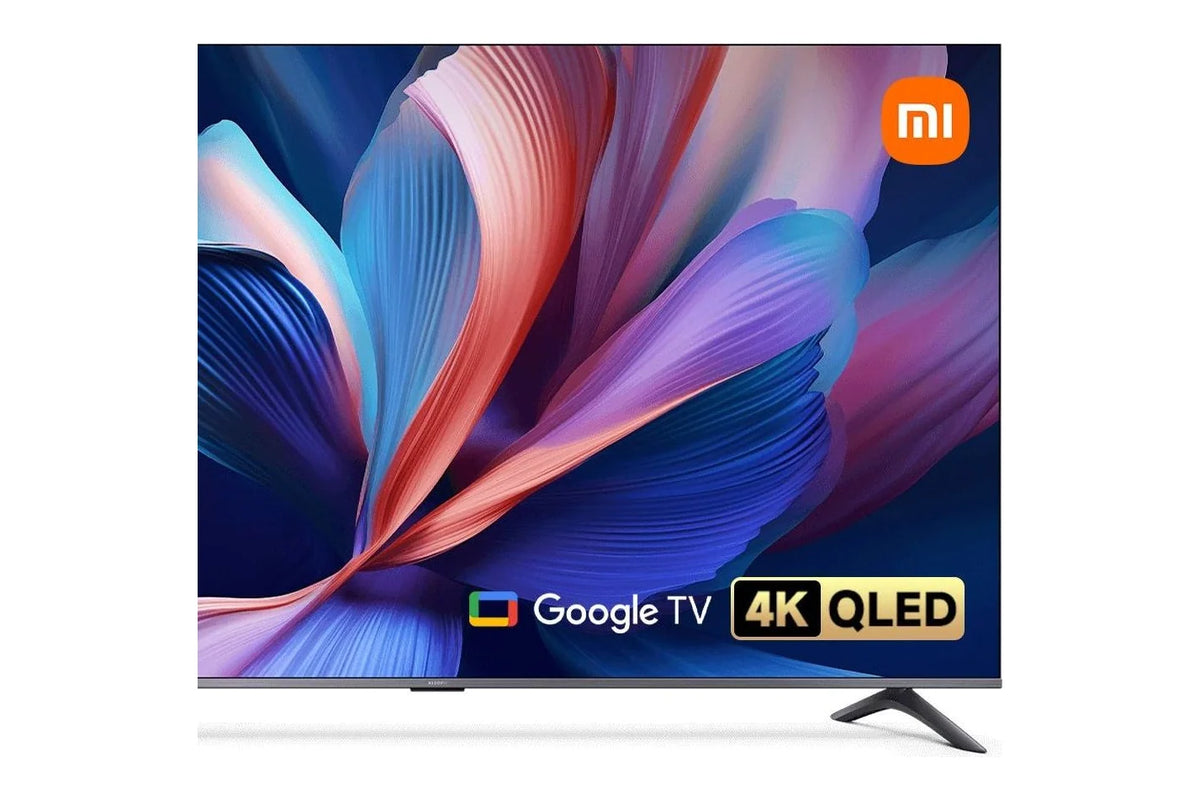
The Xiaomi TV A Pro 2026 55 inch is a 4K QLED TV with Google TV. The screen displays 1.07 billion colors and covers 94% of the DCI-P3 color space, the standard used by film studios. With 140 cm of picture, you get a sizeable screen in the living room that still looks sharp from a viewing distance of 1.4 meters.
Netflix, YouTube, Disney+, NPO Start and Videoland all sit together on the Google TV home screen. You find a movie or app with your voice via the Bluetooth remote. From your phone, tablet or Mac, you cast content to the screen with Google Cast or Apple AirPlay. Two 10 W speakers with Dolby Audio and DTS:X deliver rich sound.
You connect a soundbar to the HDMI port with eARC, and a game console automatically switches the TV into game mode via ALLM. Through the CI+ slot you watch digital TV without an extra box. The metal frame with slim bezels sits neatly on the stand, and on the wall it fits a 200 x 300 mm VESA mount.


Your payment details are processed securely. We do not store credit card information and have no access to this data.
Share This Product


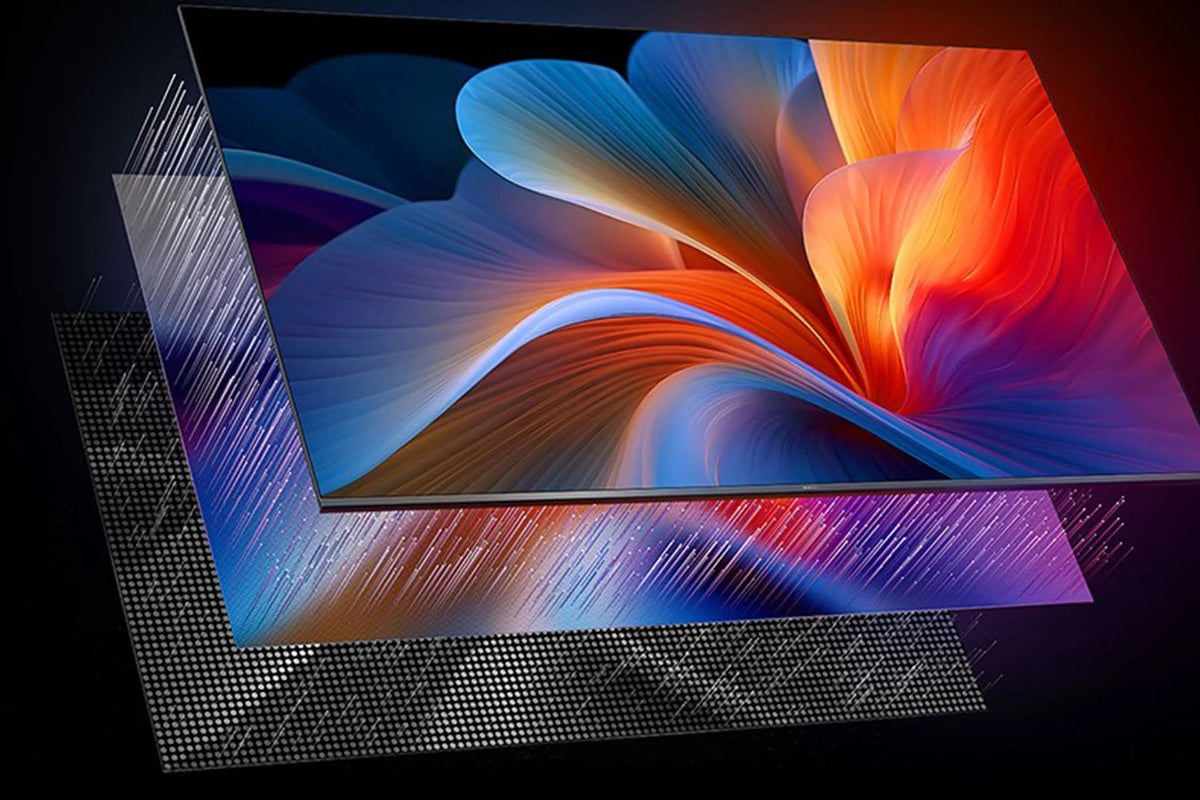
QLED display with 4K resolution and HDR
The screen of the Xiaomi TV A Pro 2026 has a layer of quantum dots: tiny crystals that convert the light from the backlight into pure colors. This way, the panel displays 1.07 billion colors and covers 94% of the DCI-P3 color space, the standard that film studios work with.
With 3840 x 2160 pixels, the picture stays sharp even on a large screen, even when you sit up close. Films and series in HDR get more contrast between light and dark, so you still see details in a dark scene.
Watching a film? Then switch on Filmmaker Mode. The TV disables extra image processing and shows colors just as the director intended. For sports and action films, MEMC makes fast motion smoother. Watching for a long time in the evening? Then the eye comfort mode keeps the blue light low.
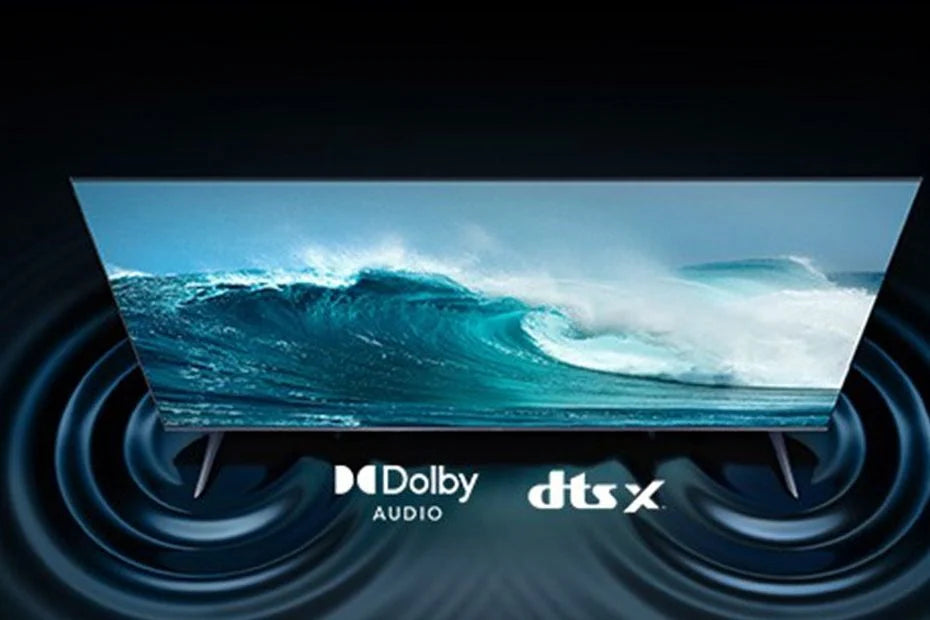
Dolby Audio and DTS:X with two 10 W speakers
The Xiaomi TV A Pro 2026 features two 10 W speakers. They support Dolby Audio and DTS:X, so films and series with such a soundtrack sound fuller and more spatial than with a regular TV speaker.
The TV recognizes what you're watching and adjusts the sound accordingly. Voices in the news come through more clearly, in a film the music gets more room, and during football you hear the crowd around you.
Want more bass? Connect a soundbar to the HDMI port with eARC. You then control the volume simply with the TV's remote, and surround sound passes through to the soundbar without any loss of quality.
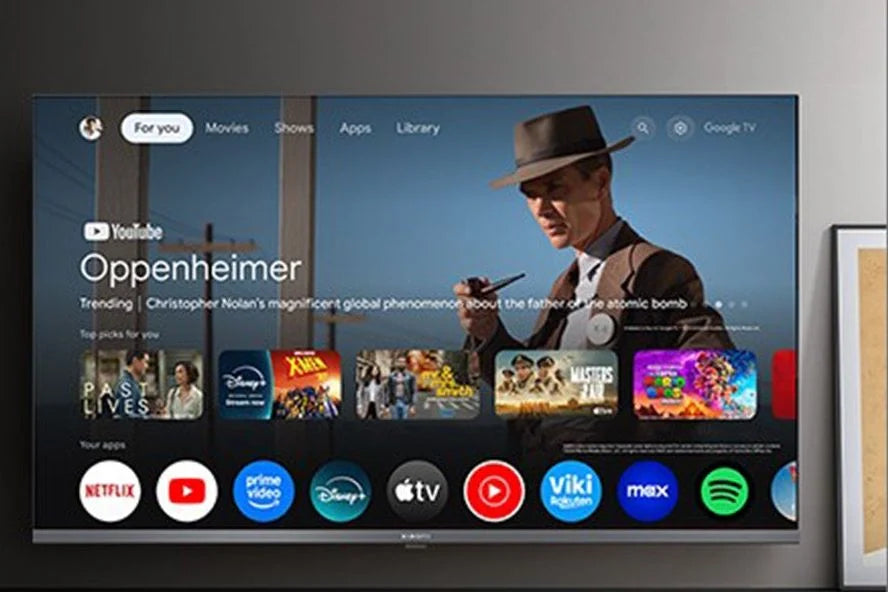
Google TV with all your streaming apps on one screen
The Xiaomi TV A Pro 2026 runs on Google TV. Netflix, YouTube, Disney+, Videoland, NPO Start and Ziggo GO are easy to install from the Play Store, and the home screen brings together movies and series from all those apps. So you can see right away where you left off yesterday.
Everyone in the house creates their own profile, with their own recommendations and their own watchlist. For kids, you can set up a profile with only the apps and programmes you've approved.
Put photos or a video from your phone on the big screen with Google Cast or Apple AirPlay. It works from Android, iPhone, iPad and Mac, without any extra box or cable.
Which size Xiaomi TV A Pro 2026 is right for you?
All sizes from 43 inches share the same 4K QLED screen, the same chip and the same connections. The 32-inch model is the compact HD version.
|
32 inch |
43 inch |
50 inch |
55 inch |
65 inch |
75 inch |
|
|
81 cm |
109 cm |
127 cm |
140 cm |
165 cm |
191 cm |
|
|
HD, 1366 x 768 |
4K, 3840 x 2160 |
4K, 3840 x 2160 |
4K, 3840 x 2160 |
4K, 3840 x 2160 |
4K, 3840 x 2160 |
|
|
16.7 million |
1.07 billion |
1.07 billion |
1.07 billion |
1.07 billion |
1.07 billion |
|
|
Google Cast |
Google Cast and AirPlay |
Google Cast and AirPlay |
Google Cast and AirPlay |
Google Cast and AirPlay |
Google Cast and AirPlay |
|
|
2x |
3x, 1x eARC |
3x, 1x eARC |
3x, 1x eARC |
3x, 1x eARC |
3x, 1x eARC |
|
|
1,6 m |
1,1 m |
1,3 m |
1,4 m |
1,7 m |
1,9 m |
|
|
719 x 425 mm |
957 x 563 mm |
1111 x 643 mm |
1226 x 711 mm |
1445 x 833 mm |
1668 x 959 mm |
|
|
3.2 kg |
6 kg |
7.4 kg |
9.2 kg |
13 kg |
19.1 kg |
|
|
100 x 200 mm |
100 x 200 mm |
100 x 200 mm |
200 x 300 mm |
300 x 300 mm |
400 x 300 mm |
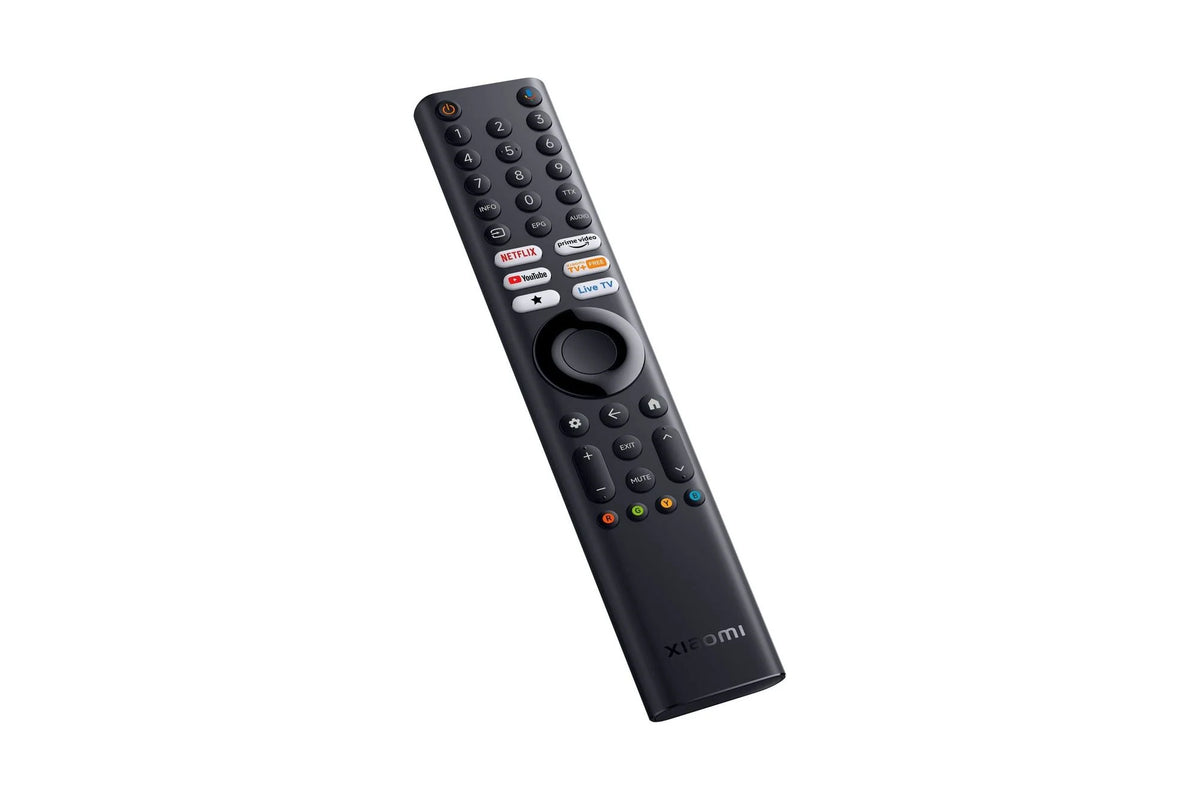
Bluetooth remote control with voice control
The remote works via Bluetooth, so you don't have to point it at the TV. Press the Google Assistant button and say what you're looking for: a movie, an actor or an app. The TV then searches all your streaming services at once.
Popular apps like Netflix and YouTube have their own button. That lets you launch the app right away, without going through the menu first.
With Google Assistant you can also control smart lights and plugs that work with Google Home. Ask the TV to dim the lights before the movie starts, and you won't even have to get off the couch.
Service just as important as the product
We think service matters just as much as the product itself. Our customer service team knows every product inside and out and has tested them personally, so you always get honest, expert advice. We also run our warehouse entirely in-house.
Everything happens under our own roof. That way we keep a firm grip on quality and get your order to you quickly and carefully.
Order before 8:00 PM on a business day and if the product is in stock, you'll have it the next business day in the Netherlands and Belgium.
FAQ about the Xiaomi TV A Pro 2026
Can't find your question here? Feel free to get in touch with us.
Which apps can I use on the Xiaomi TV A Pro 2026?
Which apps can I use on the Xiaomi TV A Pro 2026?
The TV runs on Google TV, so you install apps from the Google Play Store. Netflix, YouTube, Disney+, Prime Video, Videoland, NPO Start, Ziggo GO and Spotify are all included. You log in once, and then the home screen brings together movies and series from all your apps in one place.
Can I watch digital TV on the Xiaomi TV A Pro 2026 without a set-top box?
Can I watch digital TV on the Xiaomi TV A Pro 2026 without a set-top box?
Yes. The TV has a built-in tuner for DVB-T2, DVB-C and DVB-S2 and a CI+ slot. Insert the CI+ module from your TV provider into the slot and you can watch digital TV without a decoder. Check with your provider whether they supply such a module.
How do I connect a soundbar to the Xiaomi TV A Pro 2026?
How do I connect a soundbar to the Xiaomi TV A Pro 2026?
Use the HDMI 2 port: it supports eARC. You then control the soundbar's volume with your TV's remote, and surround sound comes through without any loss of quality. If your soundbar doesn't have HDMI, you can also use the optical audio output.
Does the Xiaomi TV A Pro 2026 work with my iPhone?
Does the Xiaomi TV A Pro 2026 work with my iPhone?
Yes. The TV supports Apple AirPlay, so you can stream photos, videos and music from your iPhone, iPad or Mac straight to the screen. With an Android phone, you use Google Cast, and apps like YouTube and Netflix can cast to the TV as well.
What does the Xiaomi TV A Pro 2026 offer for gaming?
What does the Xiaomi TV A Pro 2026 offer for gaming?
Connect your game console to HDMI 2. Via ALLM, the TV recognizes the console and automatically switches to game mode with the shortest delay. When you play a movie again, the TV returns to the normal picture settings.
How do I mount the Xiaomi TV A Pro 2026 on the wall?
How do I mount the Xiaomi TV A Pro 2026 on the wall?
You'll need a VESA wall mount that fits your size: 100 x 200 mm for the 43 and 50 inch, 200 x 300 mm for the 55 inch, 300 x 300 mm for the 65 inch and 400 x 300 mm for the 75 inch. Use the screws that come with the mount.
Which Xiaomi TV A Pro 2026 size fits my viewing distance?
Which Xiaomi TV A Pro 2026 size fits my viewing distance?
A handy rule of thumb for 4K is a viewing distance of 1 to 1.5 times the screen diagonal. So the 55 inch (140 cm) works well from about 1.4 metres, and the 65 inch from 1.7 metres. In the comparison table above you'll find the guideline for each size.
What's in the box of the Xiaomi TV A Pro 2026?
What's in the box of the Xiaomi TV A Pro 2026?
You'll get the TV, the stand in two parts with screws, a power cable, the Bluetooth remote and the safety and installation instructions. For wall mounting, you'll use your own VESA bracket.
Why choose TechPunt?

Free shipping
All orders over €75 are delivered to your home at no extra cost.

Easy Returns
Enjoy the freedom of worry-free shopping thanks to our simple return policy.

Expert Advice
Our team tests every product themselves, so you always get honest and independent advice.


